
How to Choose the Right Wireless Headphones on a Budget
How to Choose the Right Wireless Headphones on a Budget
Wireless headphones are more affordable and feature-rich than ever, but having many choices can make buying the right pair confusing. A higher price does not automatically mean better headphones for your needs. The best budget option is the one that gives you the features you actually use without paying extra for unnecessary specifications.
Whether you want headphones for music, online classes, gaming, travel, calls, or everyday listening, this guide will help you make a smarter choice.
1. Start With Your Budget
Before looking at specific models, decide how much you are comfortable spending.
Budget headphones can offer surprisingly useful features, including good sound, long battery life, comfortable designs, and even active noise cancellation (ANC). Current 2026 buying guides show that capable wireless headphones and earbuds are available well below the premium price range.
Instead of spending your entire budget simply because a product has more features, decide which features matter most to you.
For example:
-
Basic listening: prioritize sound and comfort.
-
Studying: prioritize comfort, battery life, and useful noise isolation.
-
Travel: prioritize ANC and battery life.
-
Calls: prioritize microphone quality.
-
Gaming: consider latency and connection stability.
2. Choose the Right Type
Wireless audio products generally come in several designs.
Over-Ear Headphones
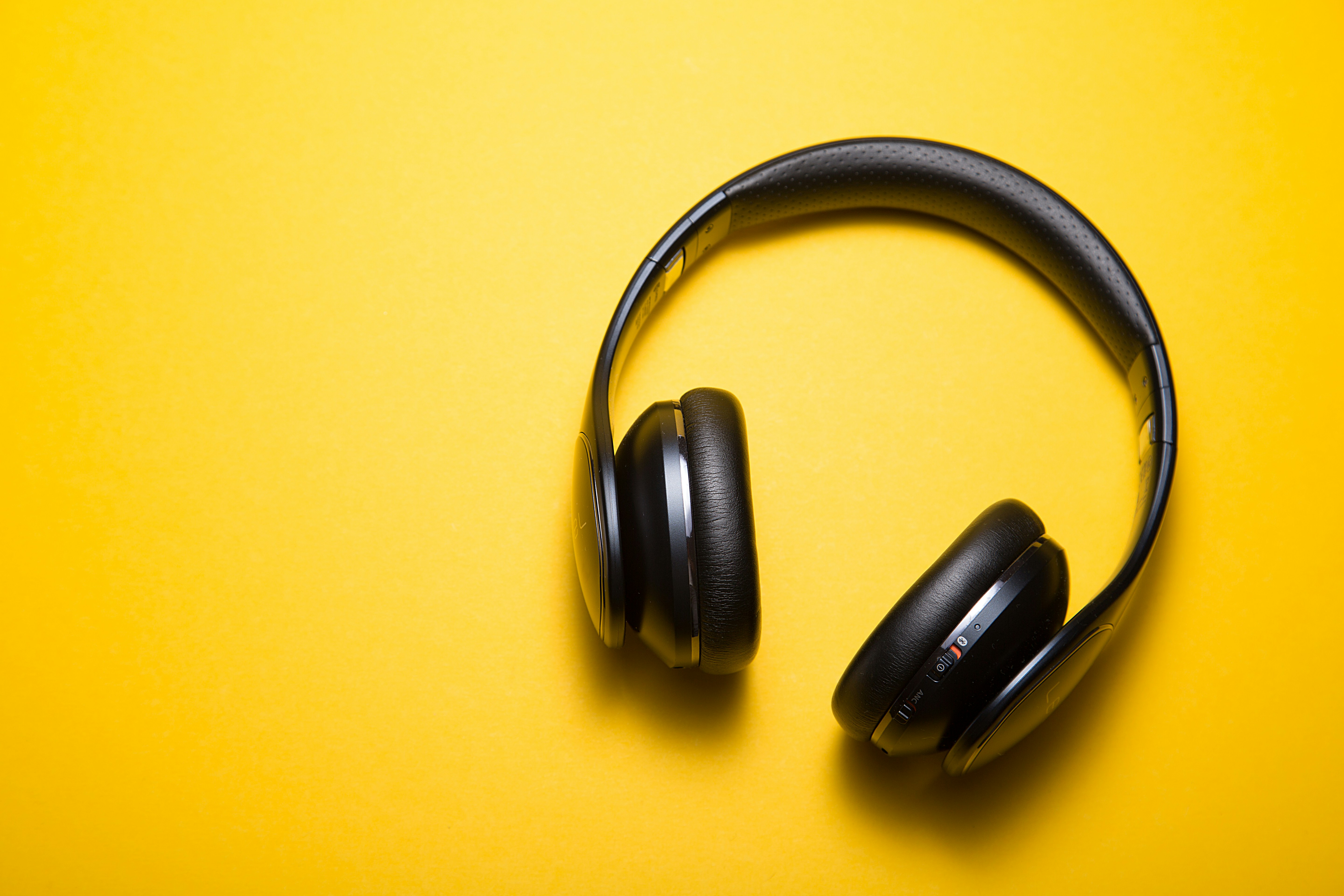
These cover your ears completely and are often a good choice for studying, working, traveling, and long listening sessions. They can provide good passive isolation and generally have larger batteries than earbuds.
On-Ear Headphones
These sit directly on your ears. They are usually smaller and lighter than over-ear models, although some people may find them less comfortable during long sessions.
True Wireless Earbuds
These are small earbuds with a charging case. They are convenient for commuting, exercise, calls, and everyday use because they are easy to carry.
Open-Ear Designs
These leave the ear canal relatively open. They can be useful when you want to remain more aware of your surroundings, although they generally provide less isolation.
The best design depends more on how you will use the headphones than on the price.
3. Don't Ignore Comfort
Comfort is one of the most important factors—and one that specifications cannot fully describe.
For over-ear headphones, consider:
-
Weight
-
Ear-cup size
-
Headband padding
-
Clamp pressure
-
Heat buildup
For earbuds, consider their shape, ear-tip options, stability, and how they feel after extended use.
A headphone can have excellent sound and impressive specifications but still be a poor choice if it becomes uncomfortable after 30 minutes.
4. Decide Whether You Need ANC
Active Noise Cancellation (ANC) uses microphones and digital processing to reduce surrounding noise. It can be particularly useful on public transportation, airplanes, busy streets, or in noisy work environments.
However, don't pay extra for ANC simply because it appears on the specification sheet.
If you mostly listen in a quiet bedroom or home office, strong ANC may not provide much additional value.
Also remember that ANC performance varies between models. A headphone advertising ANC is not automatically excellent at blocking noise.
5. Look at Real Battery Life
Battery-life claims can be confusing because manufacturers may measure them under particular conditions.
When comparing headphones, look for separate battery figures with ANC turned on and off when available. Features such as ANC, high volume, calls, and certain high-quality codecs can reduce runtime.
For everyday use, also consider charging convenience.
A quick-charge feature can be extremely useful. If your headphones provide several hours of playback after a short charging period, you may not need to keep them connected to a charger for long.
6. Understand Bluetooth and Codecs
You do not need to become an audio engineer to understand Bluetooth codecs.
A codec determines how audio is transmitted over a Bluetooth connection. Common options include SBC and AAC, while some headphones also support formats such as aptX or LDAC.
The important point is compatibility.
Buying headphones with an advanced codec does not automatically improve your experience if your phone or other source device does not support that codec. For many casual listeners, codec specifications should come after comfort, sound quality, battery life, and reliability.
7. Consider Sound Quality, Not Just Bass
Many inexpensive headphones advertise powerful bass because it is an easy selling point. But more bass does not necessarily mean better sound.
Think about what you normally listen to.
If you enjoy:
-
Pop → you may prefer energetic sound.
-
Classical music → balanced detail may matter more.
-
Podcasts → clear voices are important.
-
Movies → dialogue clarity and overall balance matter.
-
Hip-hop → controlled bass can be important.
If possible, read reviews that discuss actual listening performance rather than relying only on specifications.
8. Check Microphone Quality for Calls
If you regularly attend online classes, meetings, or phone calls, microphone quality deserves attention.
A headphone can sound excellent to you while producing poor-quality audio for the person on the other end.
Look for reviews that test microphones in realistic environments rather than relying only on a manufacturer's claim about the number of microphones.
Noise-reduction technology can help improve voice clarity, but performance varies significantly between products.
9. Look for Useful Extra Features
Budget shoppers should focus on features they will actually use.
Some useful features include:
Multipoint Bluetooth: Allows compatible headphones to maintain connections with two devices, such as a phone and laptop, making switching between them easier.
Transparency mode: Allows outside sounds to pass through without removing the headphones.
EQ controls: Let you adjust the sound to your preferences through a compatible app.
Wired connection: Can be useful if the battery is empty or you want to connect to equipment that does not support Bluetooth.
Water resistance: Can be useful for suitable outdoor or exercise situations, but check the manufacturer's rating and limitations rather than assuming all wireless products are water-resistant.
Don't pay significantly more for five features if you will only use one.
10. Compare Total Value Before Buying
When you find a pair that looks attractive, compare it with several alternatives in the same price range.
Create a simple comparison:
| Feature | Headphone A | Headphone B | Headphone C |
|---|---|---|---|
| Price | |||
| Comfort | |||
| Battery | |||
| ANC | |||
| Sound | |||
| Microphone | |||
| Multipoint | |||
| App/EQ | |||
| Warranty |
This makes it easier to see which product offers the features you actually need.
Avoid Paying for Specifications You Don't Need
One of the biggest budget-shopping mistakes is assuming that the longest specification list represents the best value.
For example, you might not need premium codecs if you mainly listen to podcasts. You might not need powerful ANC if you spend most of your time in quiet environments. You might not need an enormous battery if you regularly charge your headphones.
Instead, identify your top three priorities and spend your money there.
For most people, a sensible starting point is:
-
Comfort
-
Sound quality
-
Battery life
Then add ANC, microphone quality, multipoint, or other features depending on your lifestyle.
Check Reviews Before Purchasing
Specifications tell you what a manufacturer claims the product can do. Reviews can tell you how those features perform in practice.
Look for reviews that discuss long-term comfort, battery performance, microphone quality, ANC effectiveness, connection stability, and everyday usability.
Independent testing can be particularly useful because reviewers may measure performance rather than simply repeating manufacturer specifications. For example, established headphone testing guides evaluate factors such as frequency response, noise isolation, battery performance, and microphones.
Don't Forget Warranty and Seller Reliability
A cheap pair of headphones is not necessarily a good deal if there is no reliable warranty or return option.
Before purchasing, check:
-
Whether the seller is trustworthy
-
Warranty coverage
-
Return policy
-
Product authenticity
-
What's included in the box
-
Whether replacement parts or accessories are available
A slightly higher price from a reliable seller may provide better overall value than an unusually cheap product with uncertain support.
Final Thoughts
Choosing wireless headphones on a budget is less about finding the product with the most impressive specifications and more about finding the right balance for your needs.
Start with your budget and preferred headphone type. Then compare comfort, sound quality, battery life, ANC, microphone performance, Bluetooth compatibility, and useful features.
Most importantly, don't let marketing terms make the decision for you. A reasonably priced pair that is comfortable, sounds good, lasts long enough, and works reliably can be a much better purchase than an expensive model filled with features you never use.
The smartest budget headphone is not necessarily the cheapest one—it is the one that gives you the features you need at a price you can comfortably afford.